Loading...

Industries We Serve

PAYMENT WORKFLOW

Who Pays, Why & How
Payments Are Identified

Different industries have different payment flows. Here’s a quick overview of who makes the payment, the purpose, and how each transaction is identified on JIGROPAY.

Business Segment Who Makes the Payment? Payment Purpose Transaction Identifier
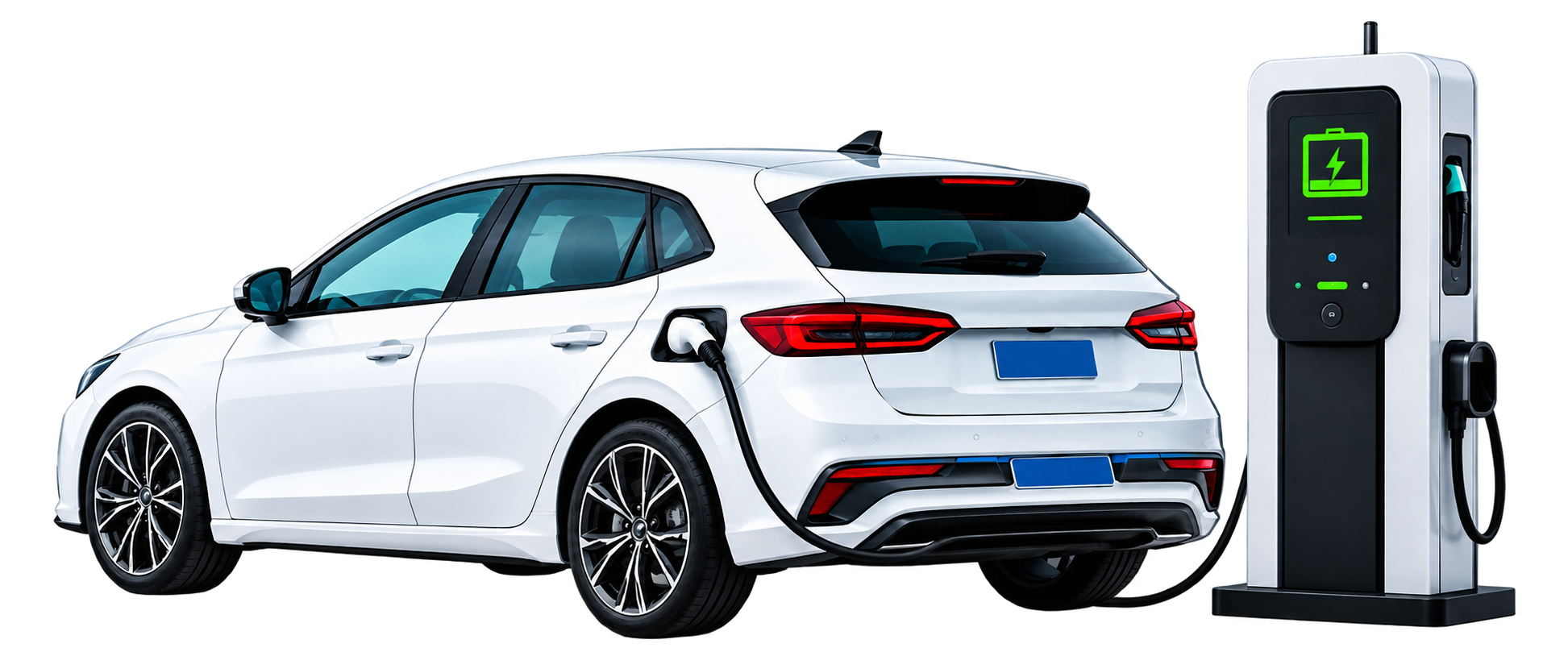
EV Charging
EV Charging

Advance charging recharge for EV owners

EV owner/customer
Advance charging recharge
Customer/Wallet ID + Recharge Reference
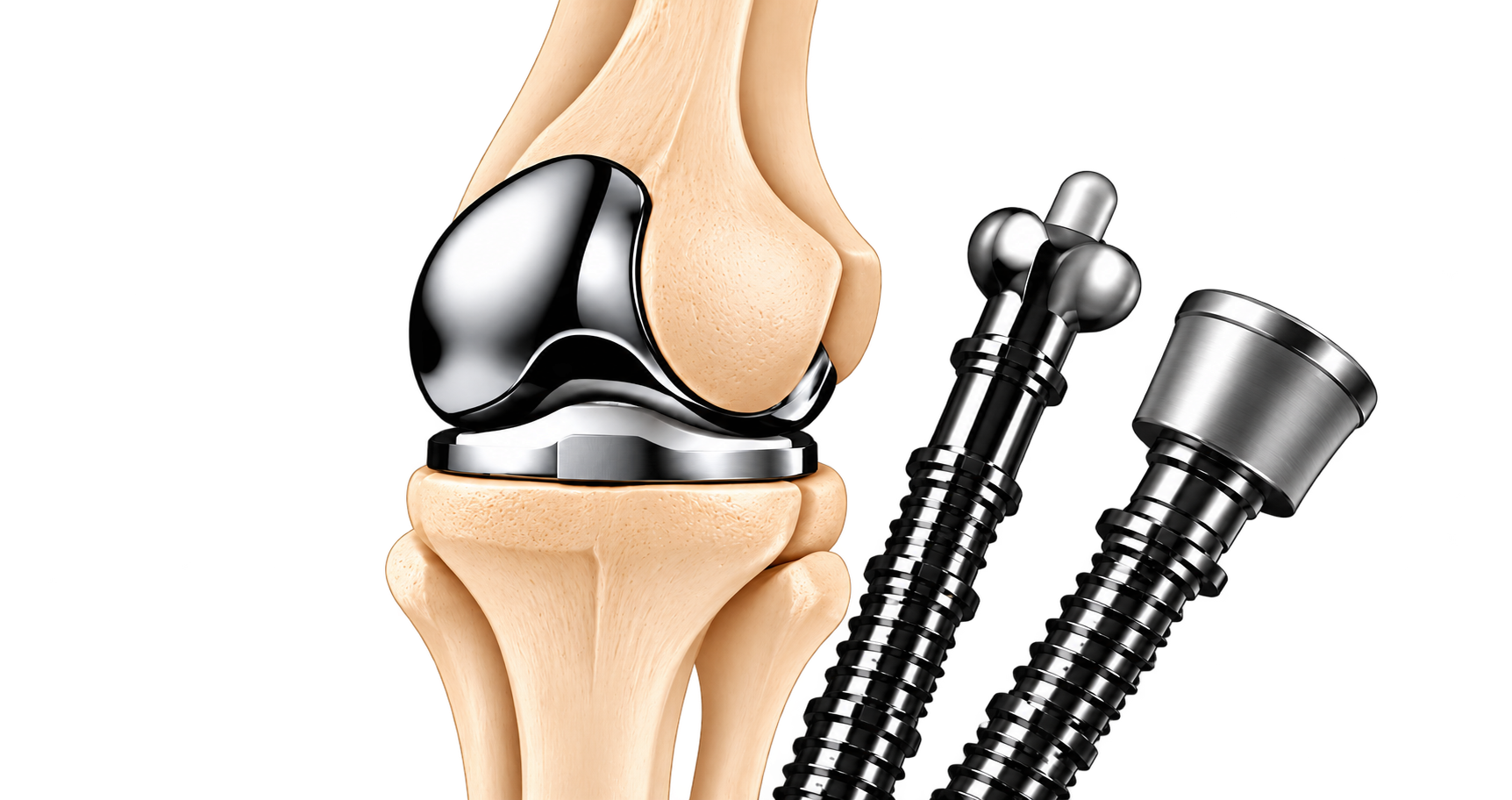
Orthopedic Wholesale

Payments for bulk product purchase

Distributor or dealer
Payment against product purchase invoice
Merchant ID + Invoice Number
Orthopedic Retail
Orthopedic Retail

Payments for orthopedic products

Retail customer
Payment for orthopedic products
Order ID + Invoice Number
Hospitals
Hospitals

Payments against hospital bills

Patient or attendant
Payment against hospital bill
Hospital ID + Patient Bill Number
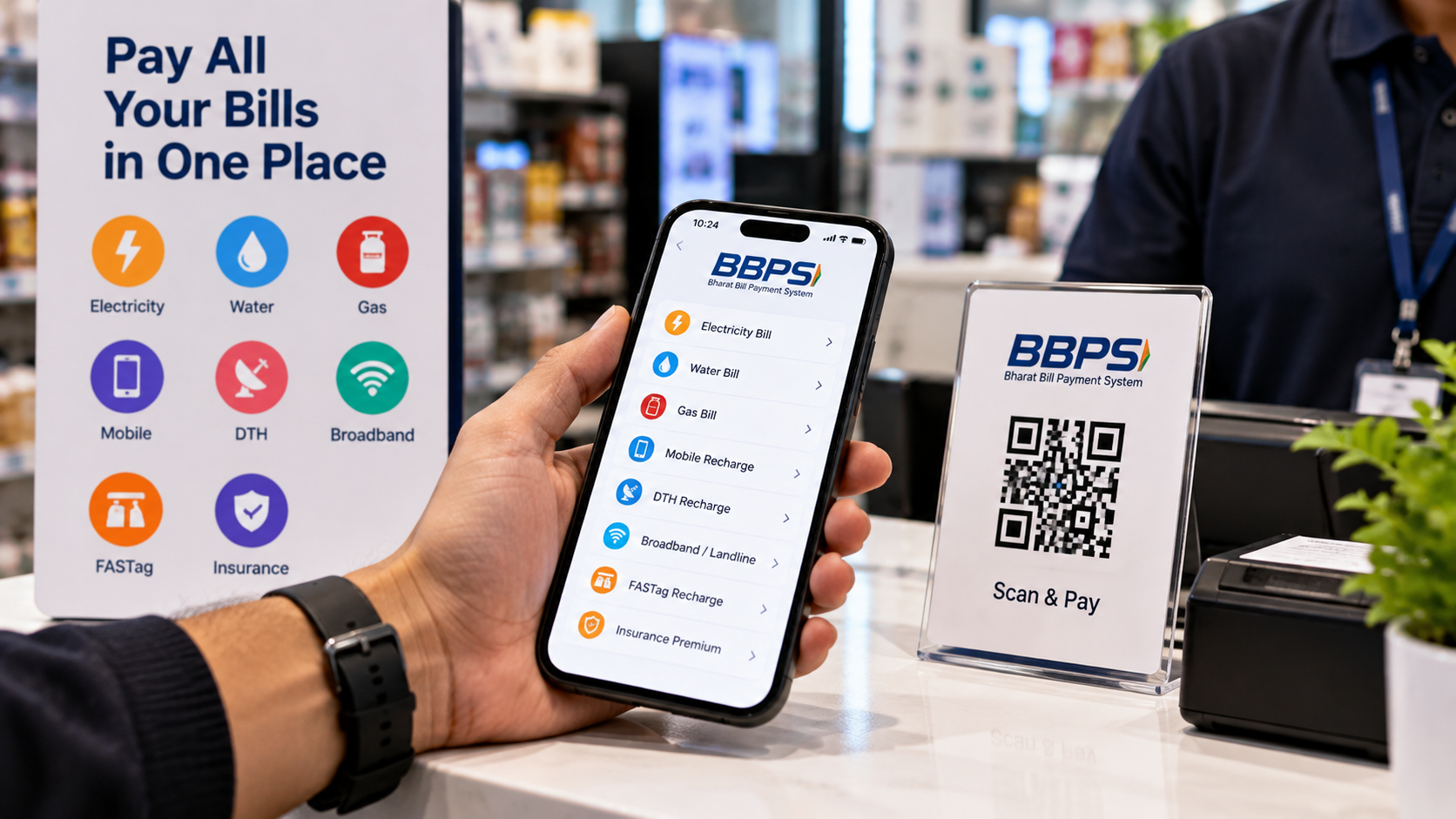
BBPS
BBPS

Utility and other BBPS bill payments

Bill-paying customer
Supported utility or other BBPS bill
Biller/Customer Reference as supported by INSPAY
i

Note: These are industry-specific workflows. Payment channels, identifiers and settlement arrangements depend on the relevant integration and approval status.


EXAMPLE WORKFLOWS

Illustrative Payment
Transactions

Here are example payment journeys to show how transactions work across different industries on JIGROPAY.

  • 1

    An EV customer requests an advance recharge of ₹2,000.

  • 2

    The EV operator generates a recharge reference linked to the customer or wallet.

  • 3

    The customer pays through an approved payment channel.

  • 4

    The transaction reference is matched with the recharge request.

  • 5

    The operator's system updates the recharge status after payment confirmation.

Illustrative Identifiers
Merchant ID
EV001
Recharge Reference
EVR1001
  • 1

    An orthopedic distributor receives a purchase invoice of ₹50,000.

  • 2

    The invoice is associated with a distributor and merchant reference.

  • 3

    The distributor pays through an approved payment channel.

  • 4

    The payment is matched against the invoice number.

  • 5

    The manufacturer can view the reconciled invoice status.

Illustrative Identifiers
Merchant ID
ORTHO001
Invoice Number
INV1001
  • 1

    A hospital generates a patient bill of ₹5,000 using its billing software.

  • 2

    The bill receives a unique patient bill reference.

  • 3

    Following approved payment gateway integration, the patient or attendant can pay digitally.

  • 4

    The payment reference is matched against the patient bill.

  • 5

    The billing system records the payment status.

Illustrative Identifiers
Hospital ID
HOSP001
Bill Number
HB1001
i

Note: All transaction amounts and identifiers above are illustrative and do not represent actual completed transactions. These are example workflows to help explain how payments are processed in different industries on JIGROPAY.